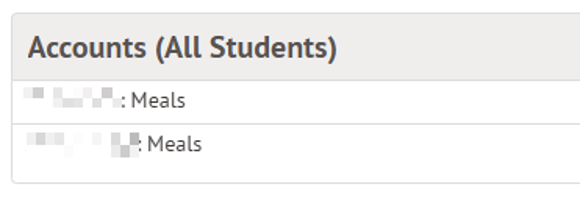
- On your Arbor homepage, find the section called “Accounts (All Students)” and select which child’s account you would like to top up.
- Click the “Top up account” button in the top-right corner of the screen

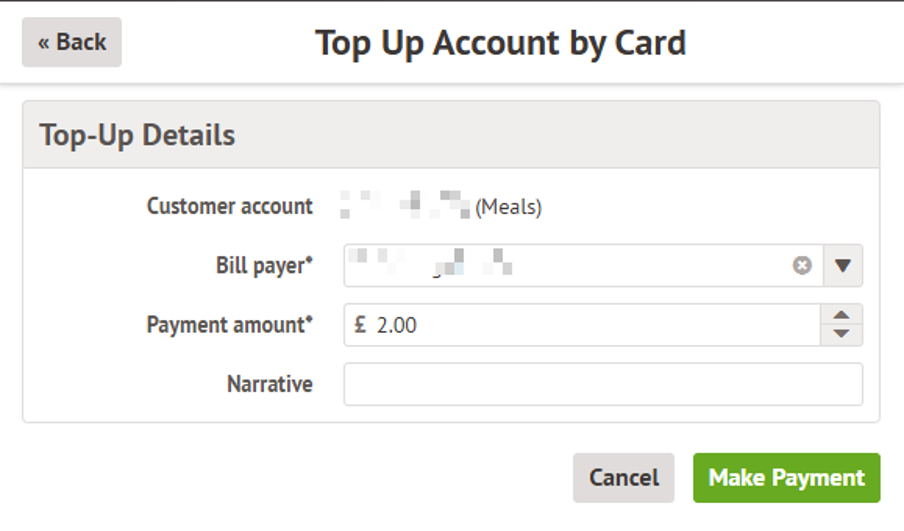
- Enter the amount you wish to top up (minimum top-up value is £2.00). The drop-down menu in the “Bill payer” field will show all guardians listed on Arbor for that student, select your own name from the list here.
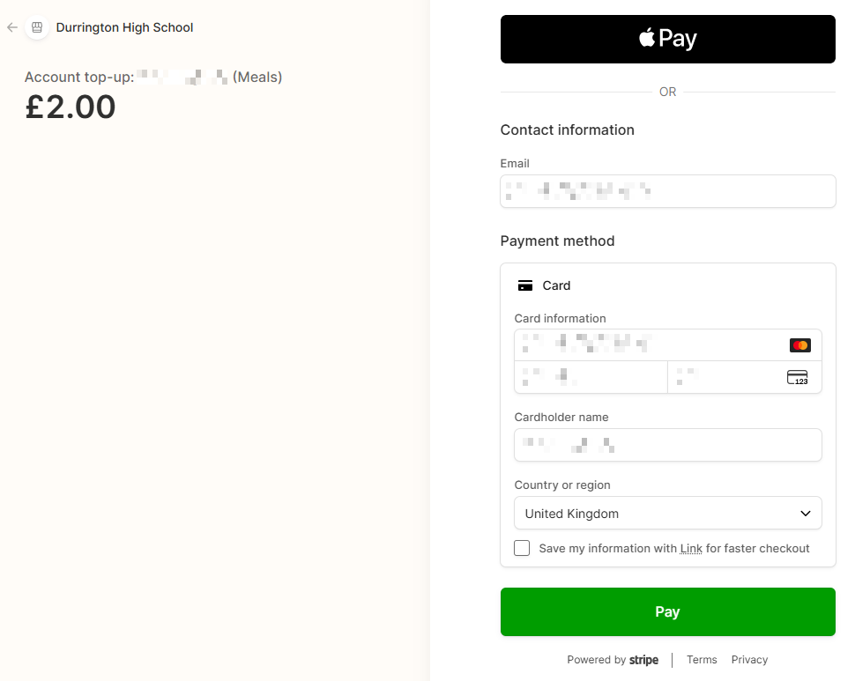
- Enter your payment card information on the next screen.
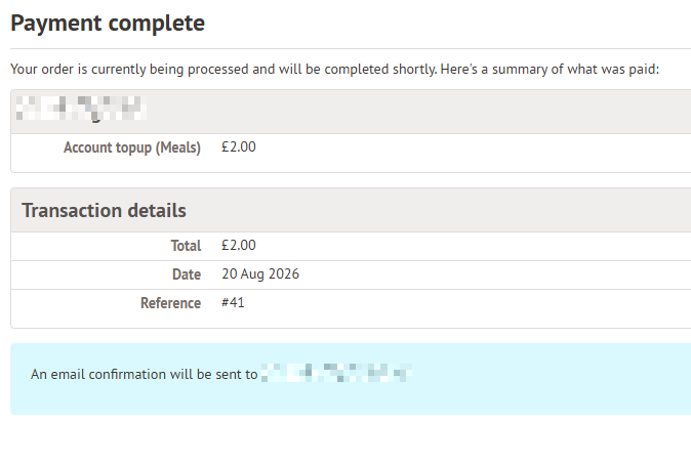
- You will be presented with a confirmation that the payment has completed.
- If you are presented with any error message saying that the payment has not completed successfully, please contact the IT support team by email on support@itservices.dmat.education
Last updated: Fri, 4 Sep, 2026 at 3:52 PM